
Google Consent Mode v2: 10 Things You Should Know Before You Lose Your Data
![[HERO] Google Consent Mode v2: 10 Things You Should Know Before You Lose Your Data](https://cdn.marblism.com/gnLwscegd4O.webp)
If you're running Google Ads or relying on Google Analytics for your business, there's a very good chance you're already losing data. And no, that's not fear-mongering : it's just the reality of what happens when you don't have Google Consent Mode v2 properly implemented.
The bottom line? If you haven't sorted this out yet, you're flying blind on a chunk of your website traffic. And for UK businesses, especially those targeting customers in Kent and across Europe, this isn't optional anymore.
Let's break down exactly what you need to know : no fluff, just the facts.
What Is Google Consent Mode v2?
Before we dive into the ten things, let's get the basics sorted.
Google Consent Mode v2 is a mechanism that adjusts how Google tags (like Analytics and Ads) behave based on whether your website visitors have given consent to be tracked. It's Google's answer to tightening privacy regulations like GDPR and the Digital Markets Act (DMA).
In plain English: it tells Google what data it can and can't collect based on what your users agreed to.
The "v2" part matters because Google added two new consent parameters that weren't in the original version. These new parameters specifically control whether personal data can be used for advertising and remarketing purposes.
If you're working with a data analytics agency, this should already be on their radar. If it's not, that's a red flag.
10 Things You Need to Know About Google Consent Mode v2
1. It's Mandatory If You're Running Google Ads in the UK or EEA
Let's start with the big one. As of March 6, 2024, Consent Mode v2 became practically mandatory for anyone using Google Advertising Services in the European Economic Area (EEA) and the UK.
This isn't a "nice to have" : it's a requirement under the Digital Markets Act. If you're not compliant, Google will limit what data it shares with you, and your conversion tracking will suffer massively.
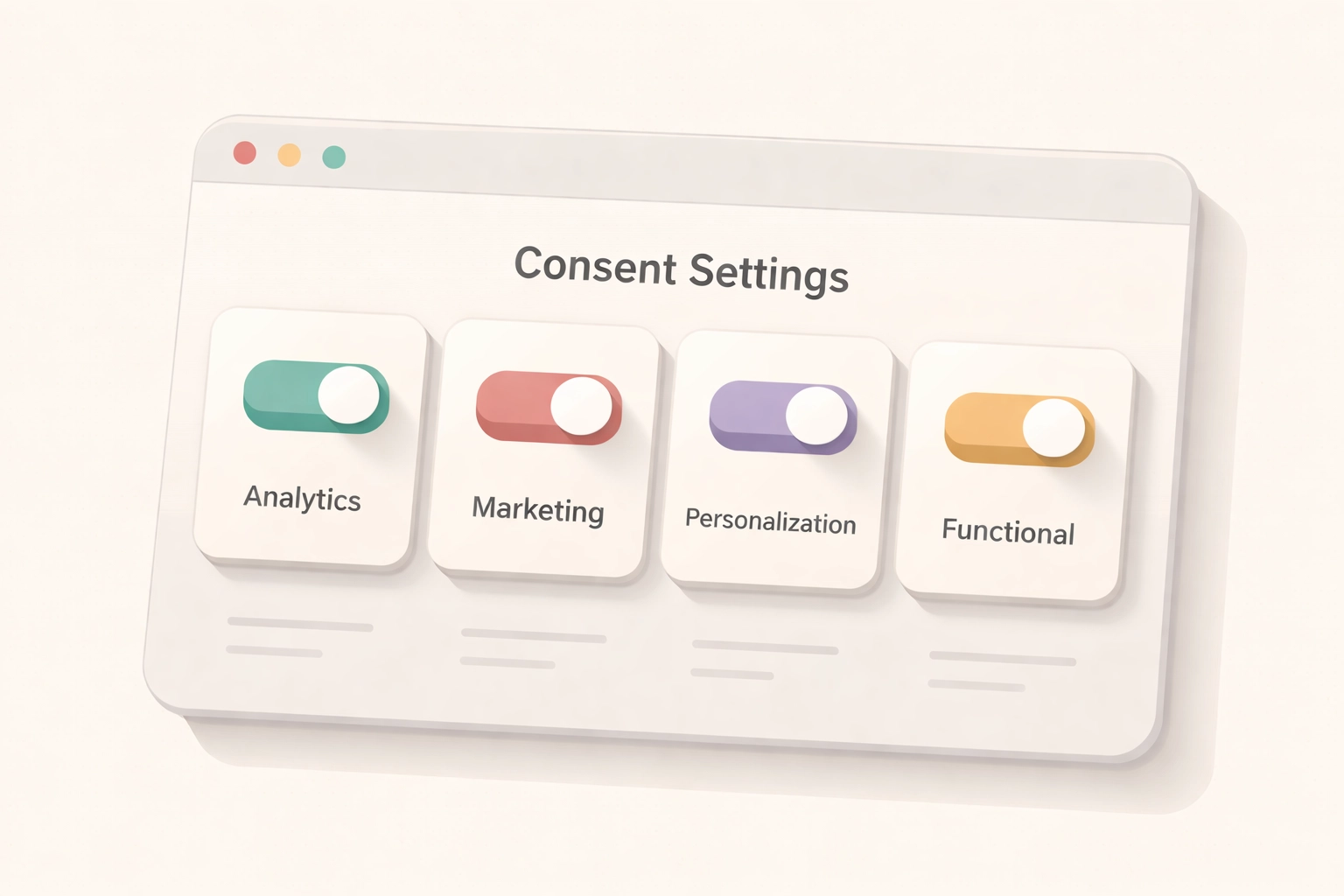
2. There Are Now Four Consent Parameters (Not Two)
The original Consent Mode had two parameters:
- analytics_storage : controls whether Google Analytics can store cookies
- ad_storage : controls whether advertising cookies can be stored
Version 2 adds two more:
- ad_user_data : determines if user data can be sent to Google for advertising
- ad_personalization : controls whether data can be used for remarketing and personalised ads
All four need to be configured correctly, or you're not fully compliant.
3. You've Got Two Modes to Choose From: Basic or Advanced
This is where it gets interesting.
Basic Consent Mode is the stricter option. Google tags don't fire at all until a user gives consent. Simple, but you lose all data from users who decline cookies.
Advanced Consent Mode is smarter. Even when users decline consent, Google tags can still send anonymised, cookieless pings. This allows Google to model the missing data using machine learning.
For most businesses, Advanced mode is the better choice because it balances privacy compliance with maintaining useful data. But it needs to be set up properly : which is exactly why many businesses turn to a google analytics agency to handle this.
4. Data Modeling Fills the Gaps (But Only If You Qualify)
Here's the clever bit. When someone declines cookies, you don't get their data directly. But with Advanced Consent Mode, Google uses data modeling technology to estimate what that missing conversion data would have looked like.
Think of it as educated guesswork based on patterns from users who did consent.
But there's a catch. To qualify for behavioral modeling, your property needs:
- At least 1,000 events per day with denied consent for a minimum of 7 days
- At least 1,000 daily users granting consent for 7 of the previous 28 days
If you're a smaller business, you might not hit these thresholds. That doesn't mean you shouldn't implement Consent Mode v2 : you absolutely should : but it's worth understanding what data recovery you can realistically expect.
5. Without It, You're Losing Conversion Data
This is the part that should get your attention.
If you're running Google Ads without Consent Mode v2, and a user declines cookies, that conversion is invisible to you. No data. No attribution. Nothing.
For businesses spending thousands on ads each month, that's not just inconvenient : it's expensive. You can't optimise what you can't measure.

6. You Need a Google-Certified Consent Management Platform (CMP)
You can't just slap a basic cookie banner on your site and call it a day. Google requires you to use a certified Consent Management Platform that properly communicates consent signals to Google tags.
Popular options include Cookiebot, OneTrust, and Iubenda : but the list of certified CMPs is growing.
Your CMP needs to:
- Capture granular consent (more on that next)
- Send the correct signals to Google Tag Manager or gtag.js
- Be tested to ensure consent signals are working properly
If this sounds technical, that's because it is. This is exactly the kind of implementation a data analytics agency handles day in, day out.
7. Granular Consent Is Non-Negotiable
Gone are the days of a single "Accept All" button covering everything.
Consent Mode v2 requires granular consent, meaning users must understand exactly what data is being collected and for what purpose. They need to be able to accept analytics cookies but decline advertising cookies, for example.
Your cookie banner needs to clearly explain each category and give users real choice. It's not just about compliance : it's about trust.
8. It Helps You Stay Compliant With Multiple Regulations
This isn't just about the Digital Markets Act. Proper implementation of Consent Mode v2 helps you align with:
- GDPR (General Data Protection Regulation)
- CCPA (California Consumer Privacy Act)
- DMA (Digital Markets Act)
So while this might feel like jumping through hoops, you're actually ticking multiple compliance boxes at once. That's a win.
9. Implementation Requires Testing (Don't Skip This)
Setting up Consent Mode v2 isn't a "set it and forget it" job. You need to test that consent signals are being sent correctly before assuming everything's working.
Google Tag Assistant and the browser's developer tools can help verify that the right parameters are firing based on user consent choices.
A common mistake we see is businesses thinking they're compliant when, in reality, the consent signals aren't configured properly. This means they're either collecting data they shouldn't be (compliance risk) or not collecting data they could be (wasted opportunity).
10. The March 2024 Deadline Has Passed : Act Now
If you're reading this thinking "I'll get around to it eventually," here's the reality check: the deadline was March 2024.
Every day you delay is another day of incomplete data, poor ad optimisation, and potential compliance issues.
For Kent businesses and UK companies targeting European customers, this isn't something you can afford to ignore.
What Should You Do Next?
Here's a quick action plan:
- Audit your current setup : Check if you have Consent Mode v2 implemented and whether it's Basic or Advanced
- Review your CMP : Make sure it's Google-certified and capturing granular consent
- Test your consent signals : Verify that the four parameters are being sent correctly
- Consider Advanced mode : If you're not using it, you're leaving data on the table
- Get expert help if needed : A data analytics agency can audit and implement this properly
The Bottom Line
Google Consent Mode v2 isn't optional anymore : it's the cost of doing business if you want accurate data and compliant advertising.
The businesses that act on this will have cleaner data, better ad performance, and peace of mind on compliance. The ones that don't? They'll keep wondering why their numbers don't add up.
If you're unsure whether your setup is correct or need help getting it sorted, get in touch with us. We'll take a look and tell you exactly where you stand : no jargon, no runaround, just straight answers.
